Key takeaways
- ChatGPT Business Hub, in beta since November 2026, lets you claim and manage the profile ChatGPT shows for your business.
- Eligible businesses can claim wherever ChatGPT is available, and the person claiming must own the business or be authorized to represent it.
- You verify ownership by a phone code or a DNS TXT record, then verify your identity with a government-issued ID before you can edit business info.
- Business Agents are limited to eligible US ecommerce and online service businesses for now, so most local service businesses will claim a profile without an agent.
- Claiming lets you shape what customers see about your business in ChatGPT, and insights show mentions and website clicks once activity passes OpenAI's thresholds.
ChatGPT now lets businesses claim the profile it shows for them. OpenAI launched Business Hub in beta in November 2026. Once you claim and verify your business, you can update its details and see how often ChatGPT mentions you. OpenAI lists no fee for claiming, and setup takes eight steps.
This guide covers what Business Hub is, whether a service business can use it, and each step from sign-in to a live profile.
What is ChatGPT Business Hub?
Business Hub is where a business claims and manages how it shows up in ChatGPT. Once your business is verified, you can:
- Update your business details, so ChatGPT has your own information about what you do.
- Add product feeds with pricing and availability, if you sell products.
- See insights: how often ChatGPT mentions your business, how many clicks go to your website, and the common topics in conversations where your site is cited.
- Build a Business Agent, if your business is eligible. Customers can start a conversation with it to ask about what you offer.
Insights are aggregated and only show once activity passes certain thresholds. OpenAI says it doesn't share users' conversations with businesses.
Can a service business claim a profile?
Yes. OpenAI says Business Hub is open to eligible businesses wherever ChatGPT is available. Eligibility depends on your industry, your location and OpenAI's verification checks, and the person claiming must own the business or be authorized to represent it.
The Business Agent is narrower. For now, it's limited to eligible ecommerce and online service businesses in the US. If you run a local service business, like a roofing, HVAC or landscaping company, plan on claiming and managing your profile. The agent may not be open to you yet.
How do you claim your business in ChatGPT?
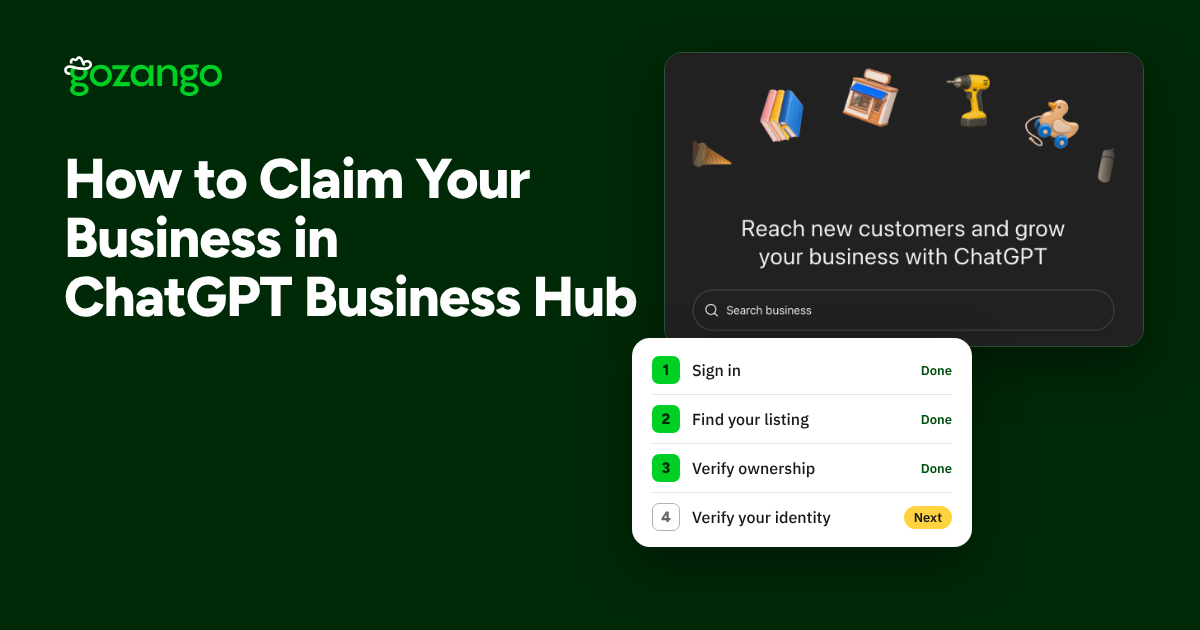
1. Sign in with a company-owned account
Go to chatgpt.com/business-hub, or open Business Hub from the ChatGPT sidebar. The profile belongs to the account you sign in with, so use a company-controlled login rather than an employee's personal one. OpenAI also keeps its own setup guide in its help center.
2. Find your business and start the claim
Search by business name and pick the matching listing to start your claim. If an online business isn't listed, you may see an option to add it.
3. Verify ownership
Choose one of the methods offered: a code sent to the business phone number on the listing, or a DNS TXT record on your domain. For DNS, copy the value exactly. If your DNS provider adds the root domain for you, enter only the host part.
4. Verify your identity
When the identity banner appears on your business page, click Verify and upload a photo of a government-issued ID, such as a driver's license or passport. The check runs through Persona. Have an owner or an authorized representative who'll stay with the company do this step. You need to finish it before you can edit business info or publish a Business Agent.
5. Wait for review
Your claim moves into review, and OpenAI emails you the decision. Once approved, the profile goes live.
6. Complete the profile
Work through the Get started cards on the Overview page. Set your category, then check every field under Edit business info: website, description, logo, cover photo, hours, contact details, and delivery and return policies.
7. Add products and the agent (if eligible)
If you sell products, upload a CSV or JSONL feed under Products. OpenAI's product feed spec lists 9 required fields. If your business is eligible, set up your Business Agent in the Agent builder.
8. Invite your team or agency
Click Invite at the top of your business page. Each person signs in with their own ChatGPT account.
What happens after you claim?
- Insights fill in over time. Mentions and website clicks only show once activity passes OpenAI's thresholds, so a new or small business may see little at first.
- You shape what customers see. OpenAI says Business Hub lets you shape what customers see about your business in ChatGPT, so the details people get when they ask about you come from you. OpenAI hasn't published how claiming affects which businesses ChatGPT recommends.
- Your details should match everywhere. Use the same business name, hours, services and service areas in ChatGPT, on your website and on your Google Business Profile, so customers get the same answer wherever they look. See How to Claim and Optimize Your Google Business Profile.
How Gozango keeps your details consistent
- Google Business Profile in sync: change your hours, services or service areas once in Business Settings, and they update on Google. Use the same details when you fill in your ChatGPT profile.
- One place to check what's out of date: see what's out of sync on your Google profile and fix it in one place.
For how your Google profile fits with ads and the map pack, read The Top of Google for Contractors.
Frequently asked questions
- What is ChatGPT Business Hub?
- It's OpenAI's tool for businesses to claim and manage how they appear in ChatGPT. Once verified, you can update your business details, add product feeds, see insights and, if eligible, build a Business Agent.
- Is ChatGPT Business Hub free?
- OpenAI lists no fee for claiming or managing a profile. Sponsoring a Business Agent through ChatGPT ads is a separate, paid option.
- How do I verify that I own the business?
- Choose one of the methods offered: a code sent to the business phone number on the listing, or a DNS TXT record on your domain.
- Why does ChatGPT ask for a government ID?
- Identity verification is required before you can edit business info or publish a Business Agent. You upload a photo of an ID such as a driver's license or passport, and the check runs through Persona.
- Will claiming my business help me show up more in ChatGPT?
- It helps make sure customers see accurate information about you. OpenAI says Business Hub lets you shape what customers see about your business in ChatGPT. It hasn't published how claiming affects which businesses ChatGPT recommends.
- What can I see in Business Hub insights?
- Aggregated counts of mentions and website clicks, plus the common topics in conversations where your website is cited. Numbers only show once activity passes certain thresholds.
- Can my agency manage the profile for me?
- Yes. Click Invite at the top of your business page. Each person signs in with their own ChatGPT account.
Keep reading
Get found
How to Claim and Optimize Your Google Business Profile: A Contractor's Guide
Claim, verify and set up your Google Business Profile the right way for a service-area business, then keep it current so it keeps bringing in calls.
George Copeland · November 4, 2026 · 6 min read
Get found
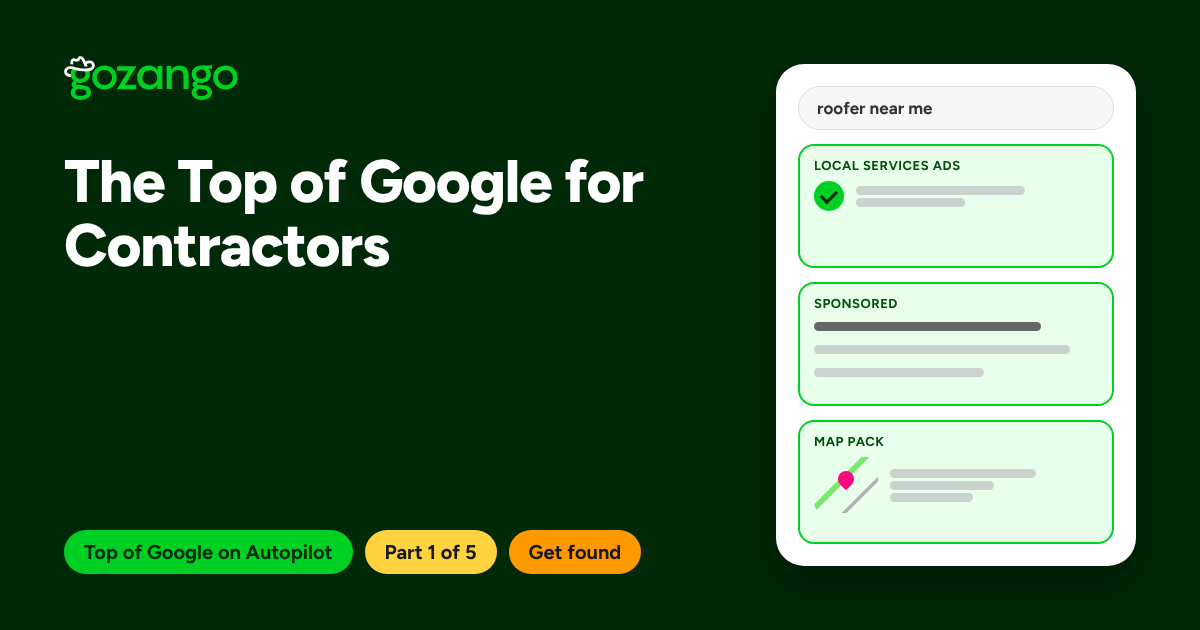
The Top of Google for Contractors: How to Show Up in All Three Spots
Local Services Ads, search ads and the map pack sit above the regular results. Here's how each one works and how to show up in all three without babysitting them.
George Copeland · November 9, 2026 · 5 min read
Get found
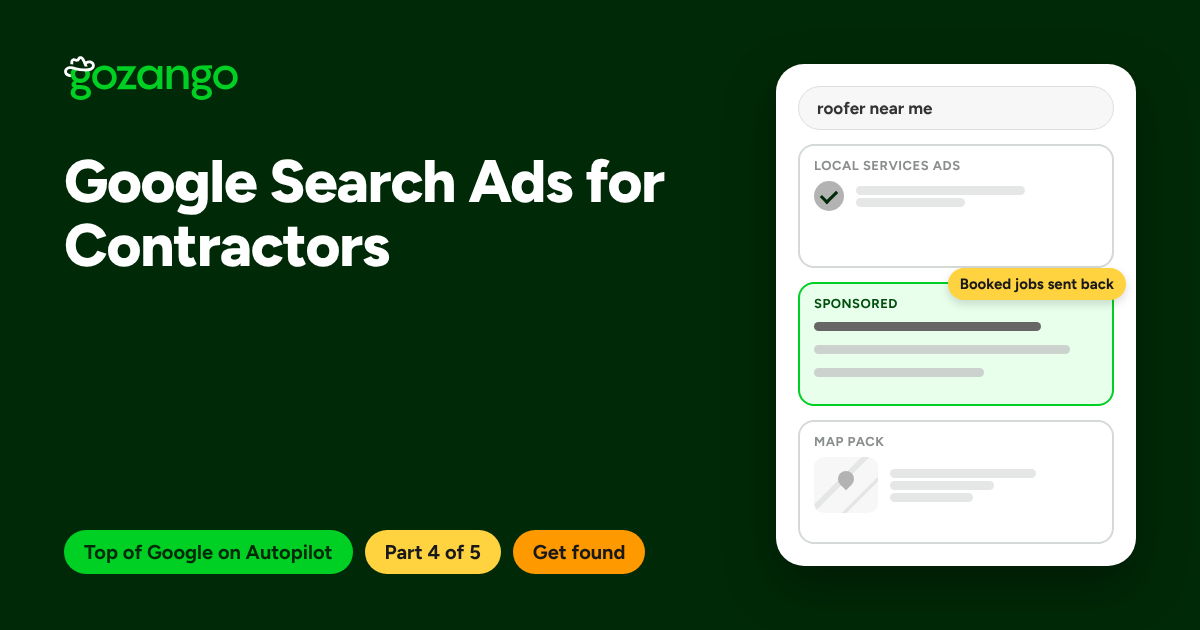
Google Search Ads for Contractors: Set a Budget, Track Booked Jobs and Let It Run
Search ads let you show up for the exact jobs you want, in the towns you serve, within days. Here's a setup that mostly runs itself, and the one step that makes it work.
George Copeland · November 9, 2026 · 4 min read